UI & Motion Graphics

Health & Weight Loss App

Overview

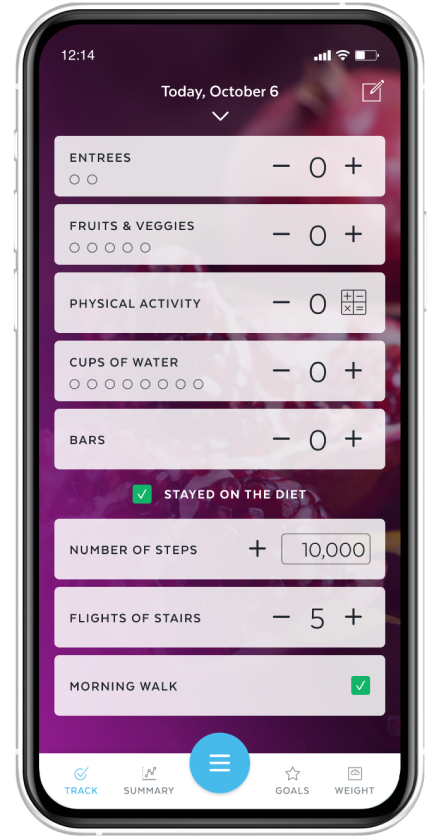
HMR Weight Management helps customers build sustainable, long-term healthy habits. To support this journey, we created a mobile app that makes tracking daily habits—such as physical activity, nutrition, and weight—simple and engaging.

The app was a collaborative effort, with team members contributing across multiple features. My role included designing the account creation flow, an animated loading experience, the Phase 2 custom tracker, and a tutorial video.

Role

Designer

Deliverables

iOS & Android Screens

Tools

XD, Photoshop, Illustrator, After Effects

Company

HMR Weight Management

The Goal: Create a seamless, intuitive, and visually engaging experience that empowers customers to monitor their healthy habits and stay on track throughout the program.

Project One

Account Creation Experience

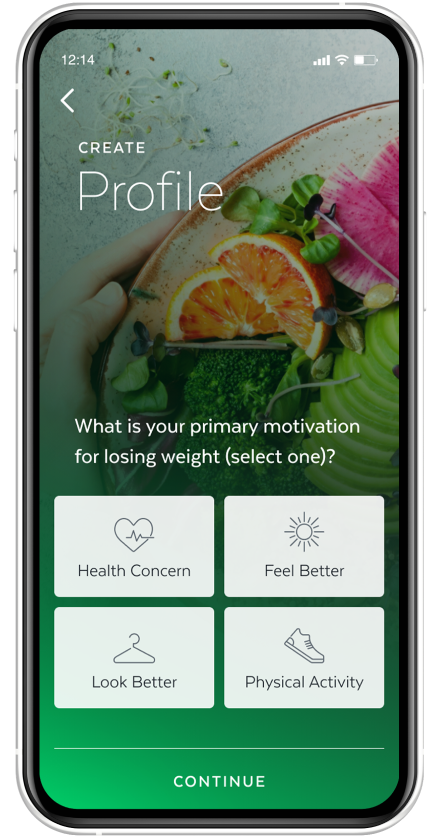
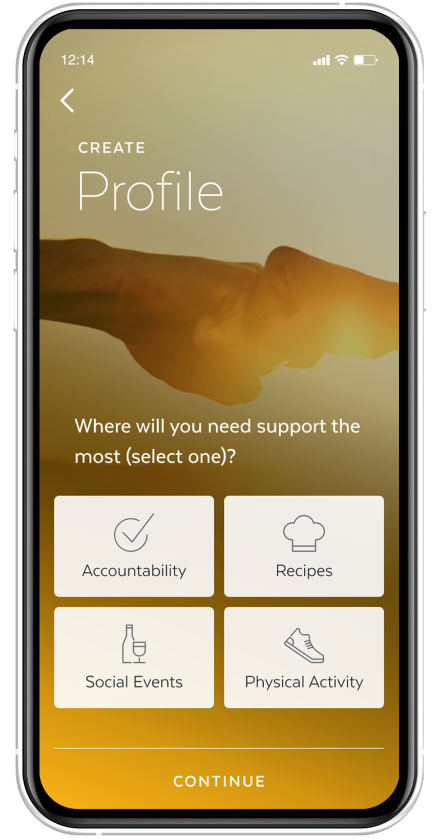
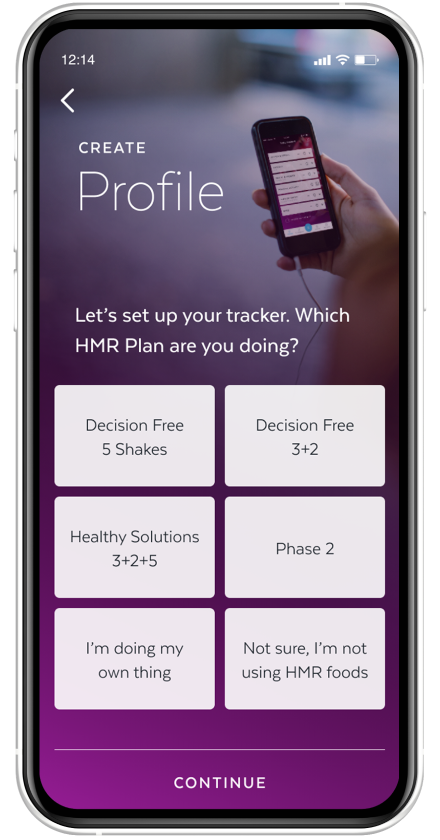
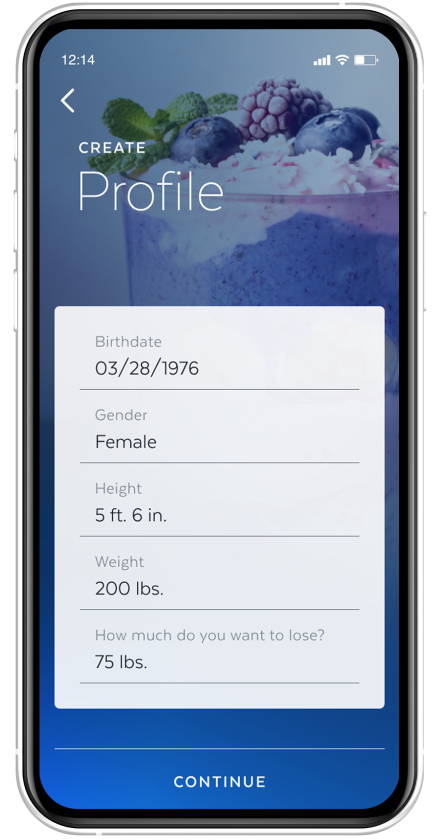
This brief onboarding flow helps users get the most out of the HMR app by tailoring the experience to their goals and needs, making it easier to stay motivated and track their progress throughout their weight-loss journey.

The Design

A colorful and engaging user journey that balances visual appeal with efficiency, collecting key user information in as few screens as possible.

The Experience

Across four streamlined screens, users select their plan, complete their profile, define their motivation, and identify the areas where they need the most support.
Project Two

Loading Screen Animation

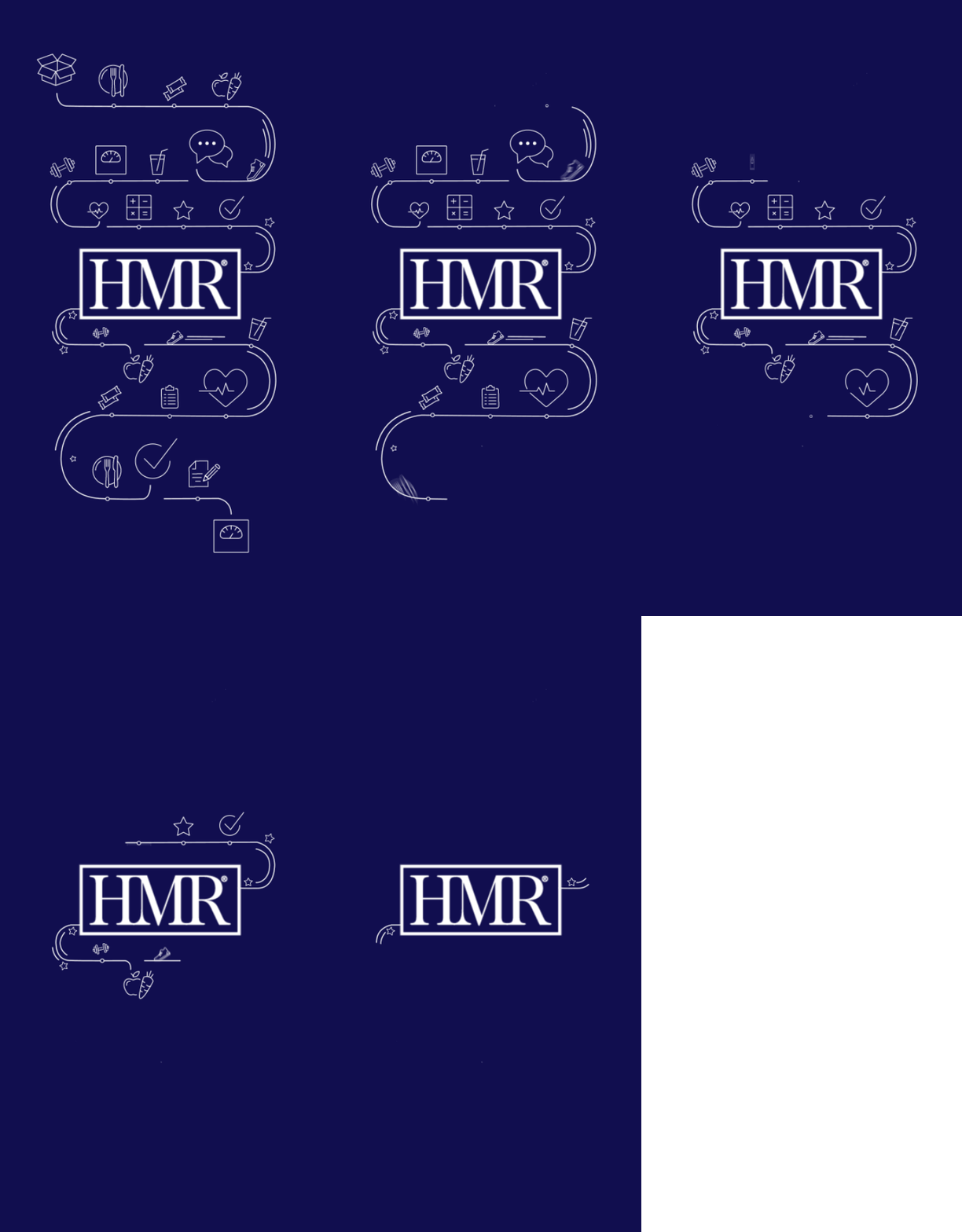
To create a more engaging first impression, I designed a custom loading animation that plays when users open the HMR app.

The animation features familiar app icons that fade away as a curved line guides the eye toward the HMR logo in the center, reinforcing the brand while creating a smooth transition into the experience.

App loading animation

Color Palette

Uses HMR's signature dark blue with white graphics, keeping the style clean and minimal.


Design Process

I created the visuals in Illustrator and brought them into After Effects for animation.


Screen Optimization

The animation was adapted for multiple screen sizes across iOS and Android.

Project Three

Phase 2 Custom Tracker

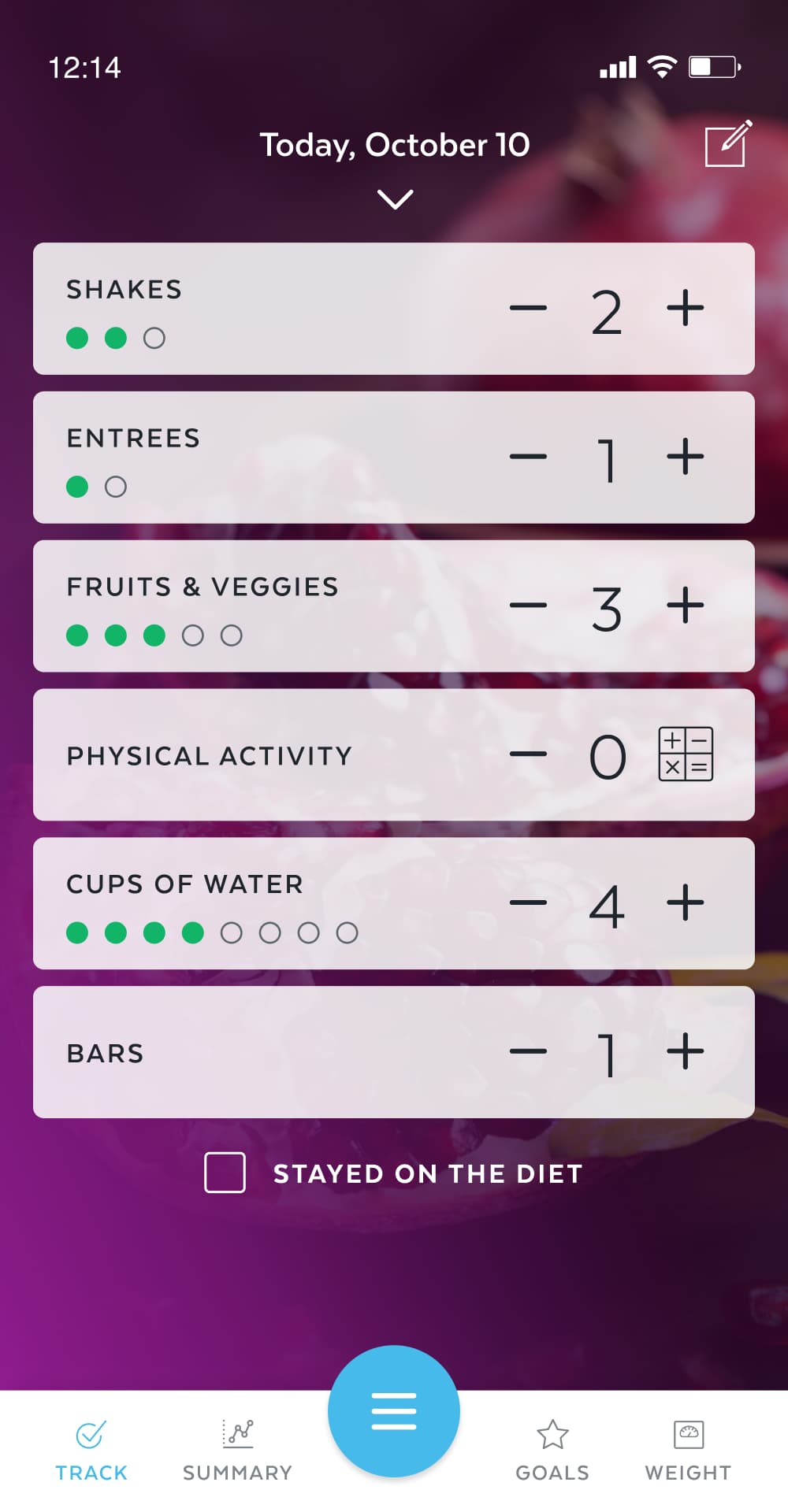
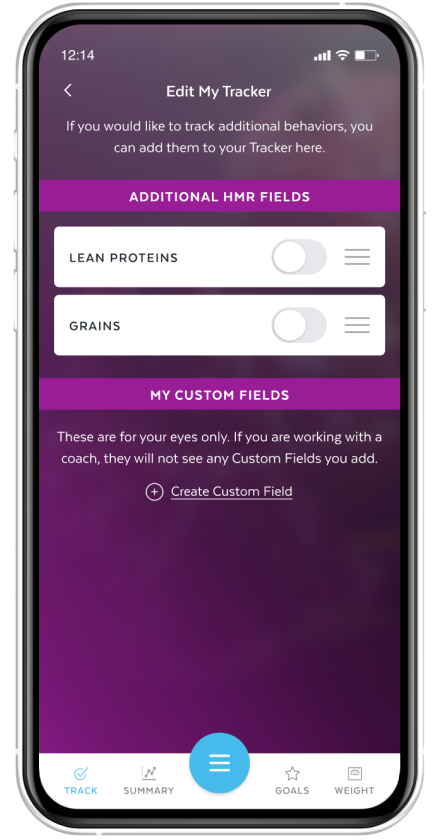
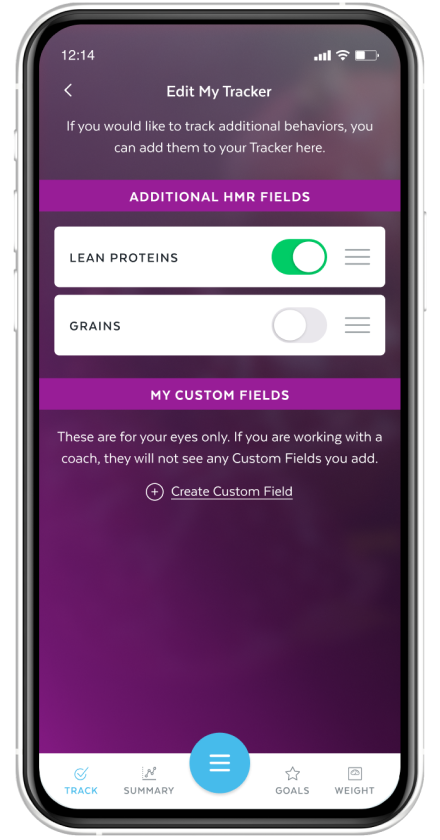
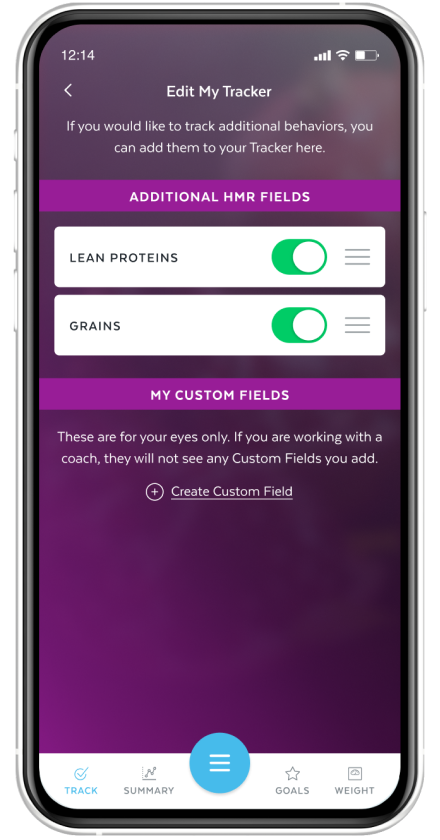
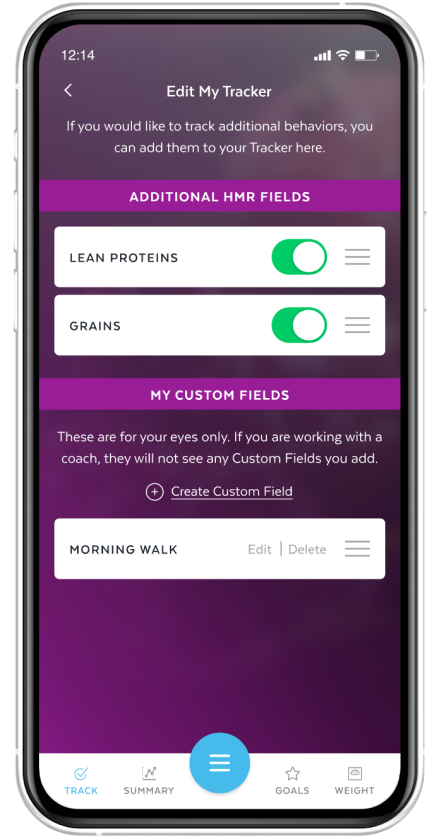
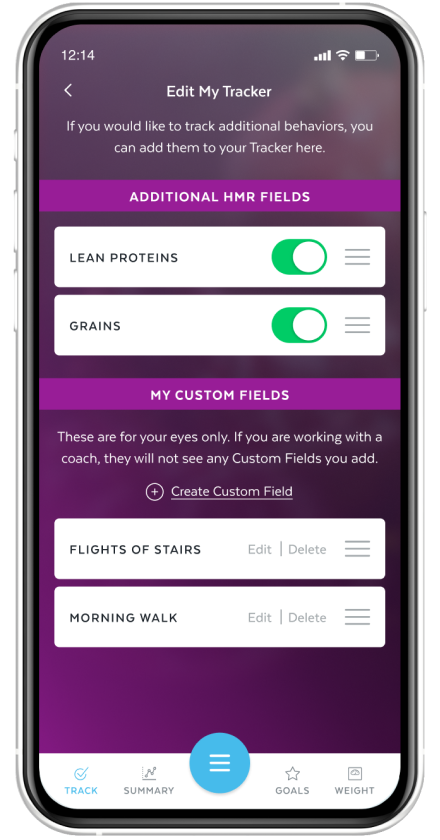
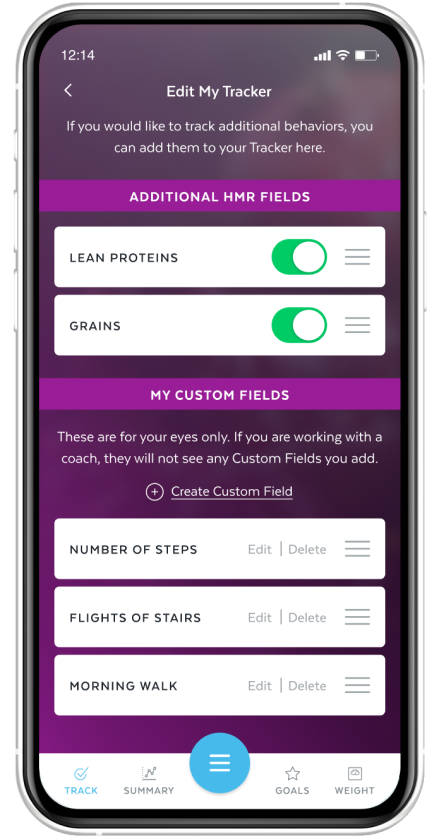
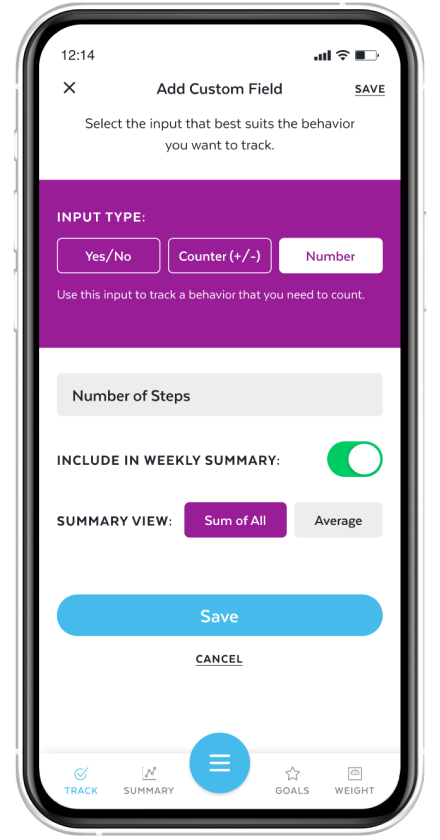
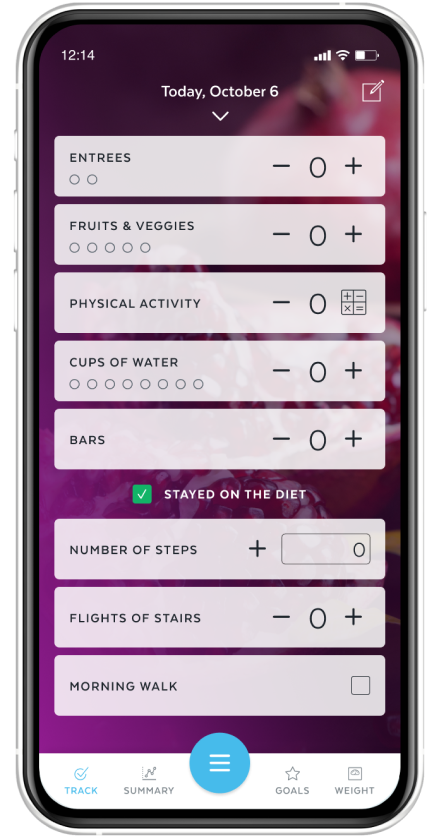
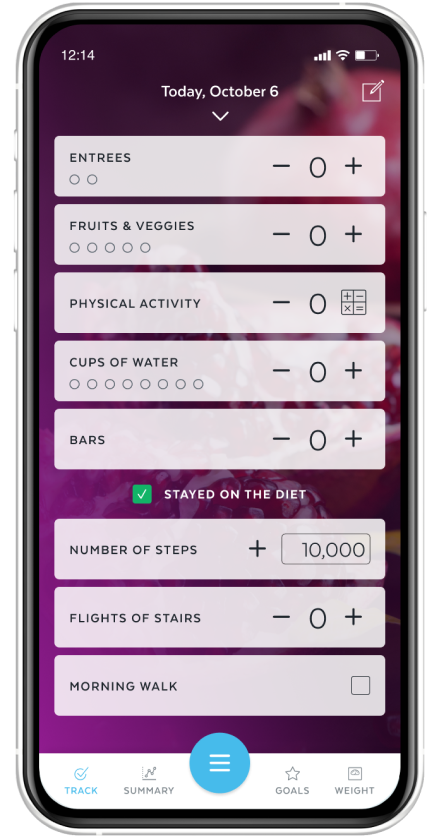
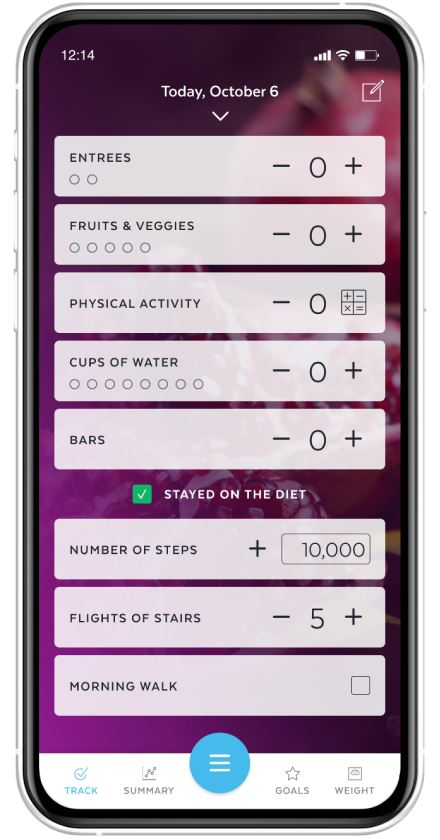
In Phase 2 of the HMR program, users can expand their tracker as their diet becomes less restrictive. In addition to HMR tracking fields like lean proteins and grains, users can create custom fields to track habits that fit their individual goals.

The Design

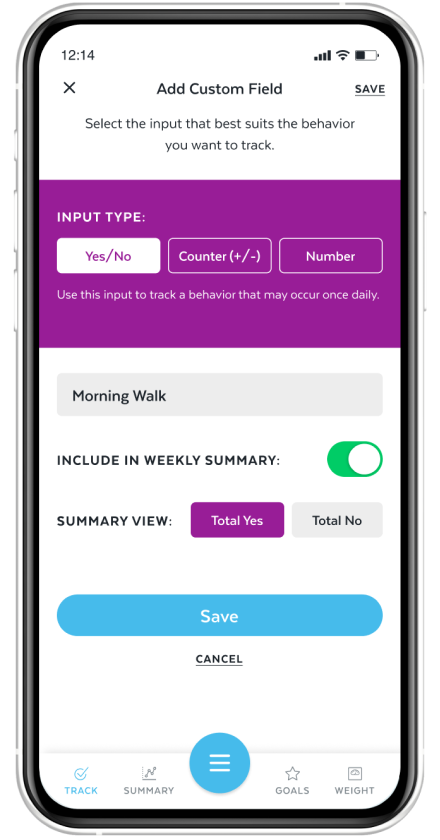
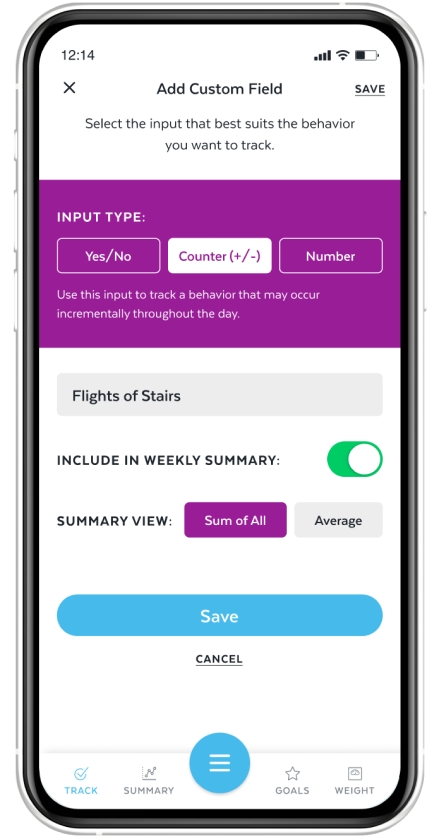
Using the same purple accent as the daily tracker creates visual continuity, making the 'Edit My Tracker' experience feel cohesive and connected to the rest of the workflow.

The Functionality

Users can personalize their tracker by reordering fields, toggling them on or off, and creating custom fields with three input types. Any changes made in "Edit My Tracker" automatically sync to the daily tracker.

Video Placeholder

Project Four

App Tutorial Video

This product walkthrough introduces users to the HMR app and highlights the features that support their weight loss journey. The video guides users through key experiences such as Daily Tracking, Weekly Summary charts, Daily Tip Cards, personalized goal setting, and weight logging, demonstrating how the app helps users stay engaged, build healthy habits, and monitor their progress.

Designed as an onboarding resource, the walkthrough simplifies navigation and helps users feel confident exploring the app's features so they can get the most out of the program.

Video Placeholder
Image Placeholder
Next Project Coming Soon
Back to Home →